Pick & Pack
Pick & Pack is where you get each order ready to leave: it lists every order that is ready to send, what to take
from the shelves for it, and where each product is kept. You use it before making the shipping label.
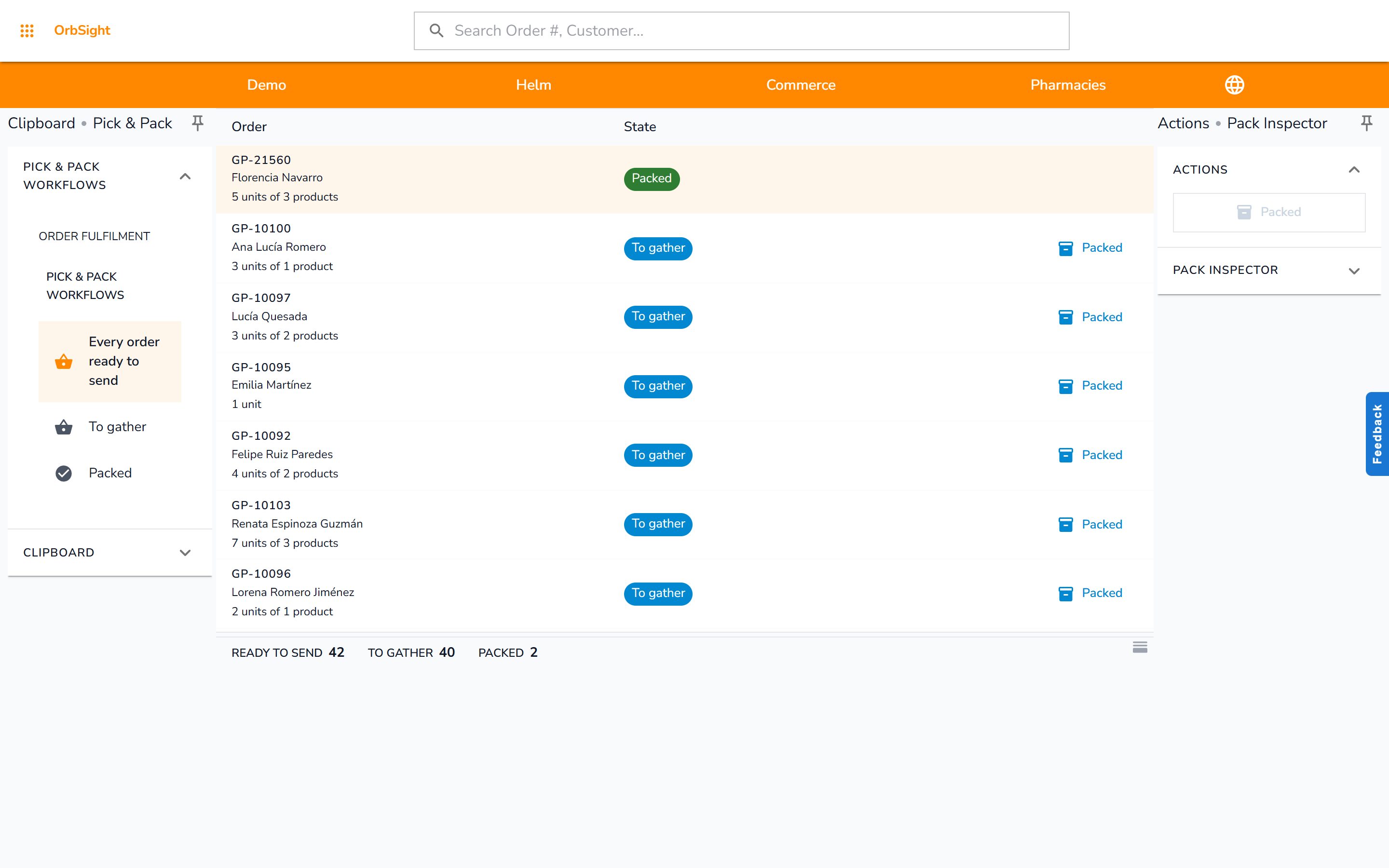
What to gather
An order is listed once it is paid and approved (Fulfillment › Orders shows it as Ready to send). Choose one: the panel
says each product, how many, and where it is — on its shelf, in the stockroom, or not kept in this stockroom yet when
there is no stock of it there (receive it or move some in first).
Print what to gather prints that orders list; Print everything to gather, by product prints one list for all the
orders still to gather, each product once with the orders that need it, so you walk the stockroom once
Packed
Put the orders products in one box and press Packed. The app asks first: which order, for whom, and how many units
go in the box. When you answer, the order gets its shipment, and its label is made in Fulfillment › Shipments. The
order stays Ready to send until the label is made
An order that is no longer ready to send (already sent, cancelled, waiting for payment) is not packed: the app says so.