Barcode reader
A barcode reader saves you from typing. You point it at the stripes on a box and the product comes up on its own,
instead of you reading a code and typing it. It is how a till, a stockroom and a delivery go fast.
Yours already works
A USB or Bluetooth reader acts like a keyboard: when it reads a code it types the number and presses Enter, wherever
the cursor is. So there is nothing to install and nothing to set up here. Plug it in, click a search box and scan.
A barcode is the number printed under the stripes. A UPC is the usual one on products you buy from a supplier;
if a product has none, its SKU (the code you gave it) is its code, and the labels you print here carry it.
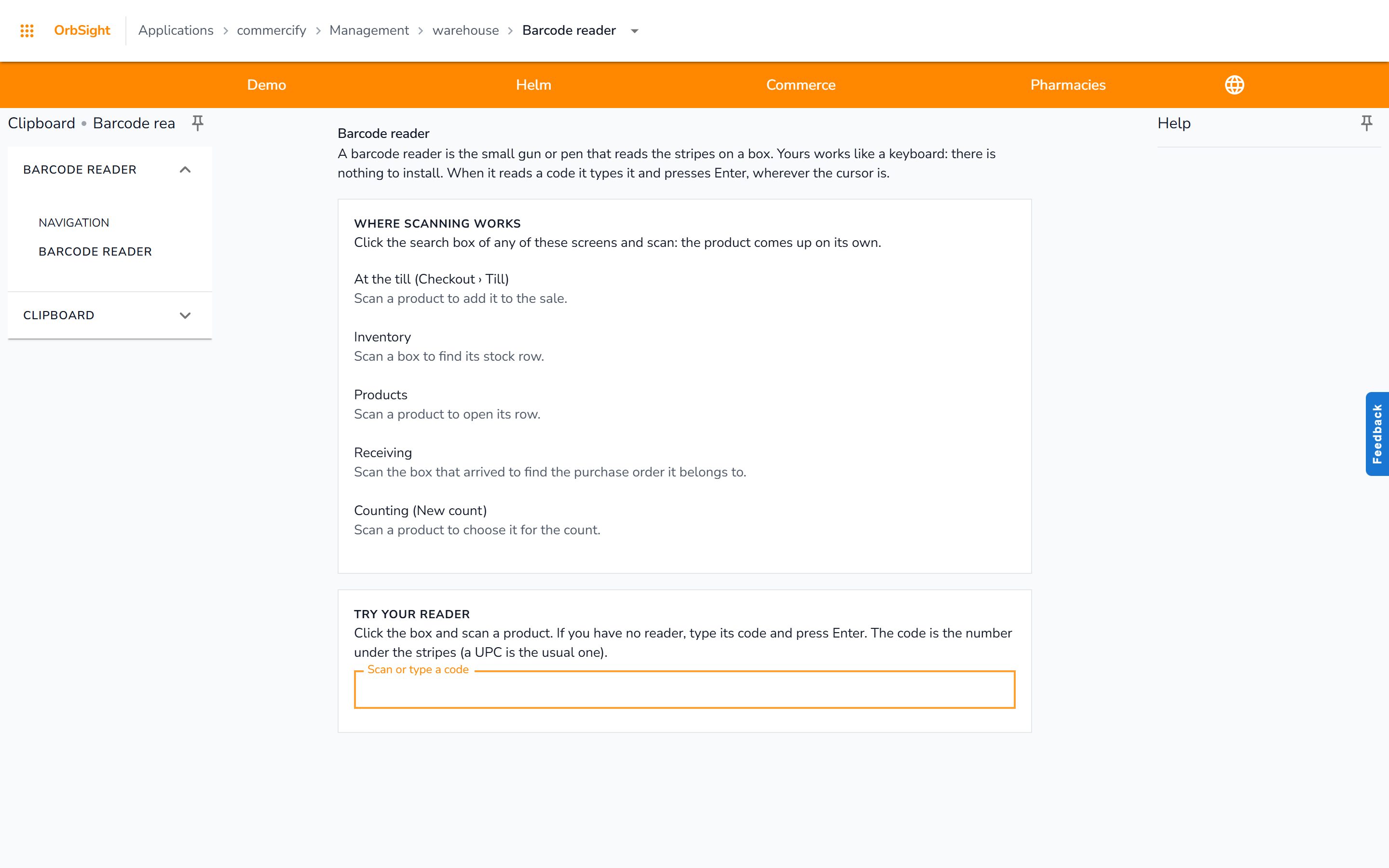
Where scanning works
Click the search box and scan:
- At the till (Checkout › Till): the product is added to the sale.
- Inventory and Products: the products row comes up
- Receiving: the purchase order that has this product comes up.
- Counting (New count): the product is chosen for the count.
Try your reader
On the Barcode reader screen, click the box and scan a product, or type its code and press Enter. It tells you which
product has that code. If no product has it, it says so.
Put a code on a product
When the code you scanned belongs to no product, find the product that has it on its box and choose Put the code
here. The app asks first, in words, which product the code will belong to; only when you say yes is it saved. From then
on, scanning that code finds the product everywhere above.
A code can belong to one product only. If another product already has it, the app tells you which one and changes
nothing.
Take a code off a product
If you put a code on the wrong product, scan it on the Barcode reader screen: when it finds the product, choose Take
this code off this product. The app asks first, in words, which product is left without a code; only when you say yes
is it taken off. Scanning that code then finds nothing, and you can put it on the right product.
Your reader does not need to be registered and the app does not control it: it only listens to what the reader types.